Explore Tesseract’s creative tools.
See what each tool does, watch a real example, and try it with your AI agent. Start with a prompt you can adapt and keep the result editable.
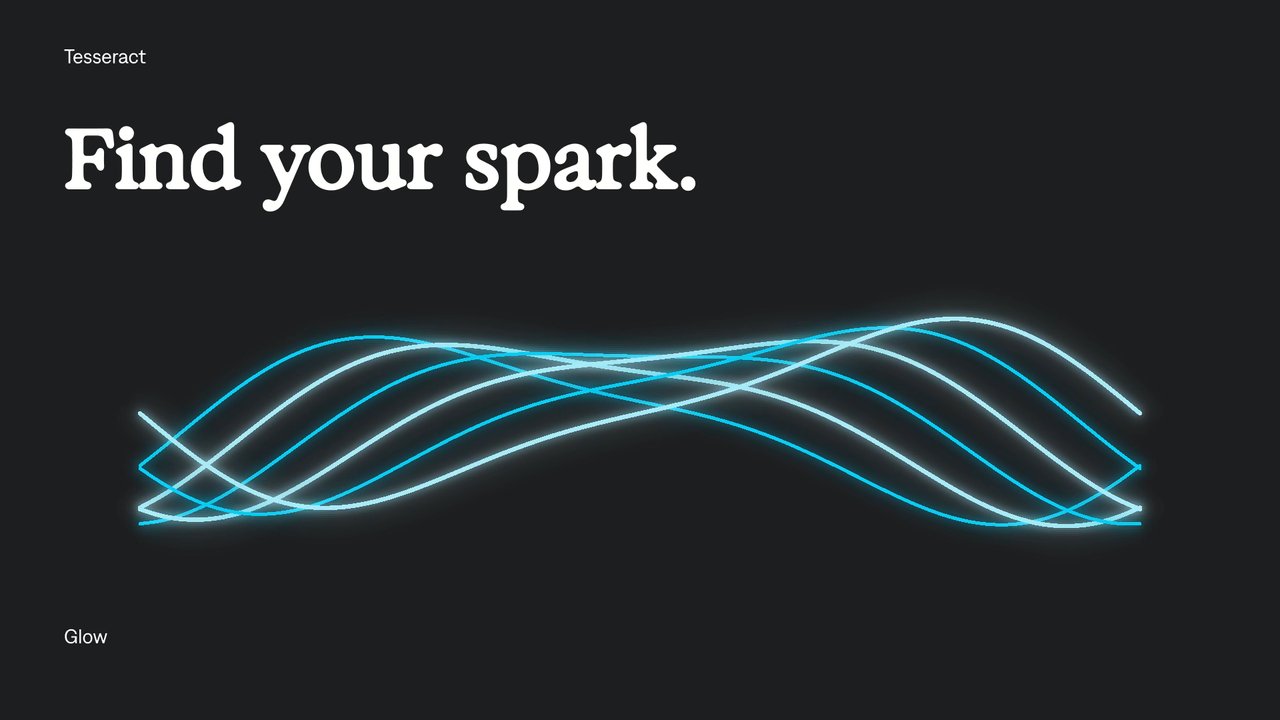
Glow
Add glow to text and graphics.
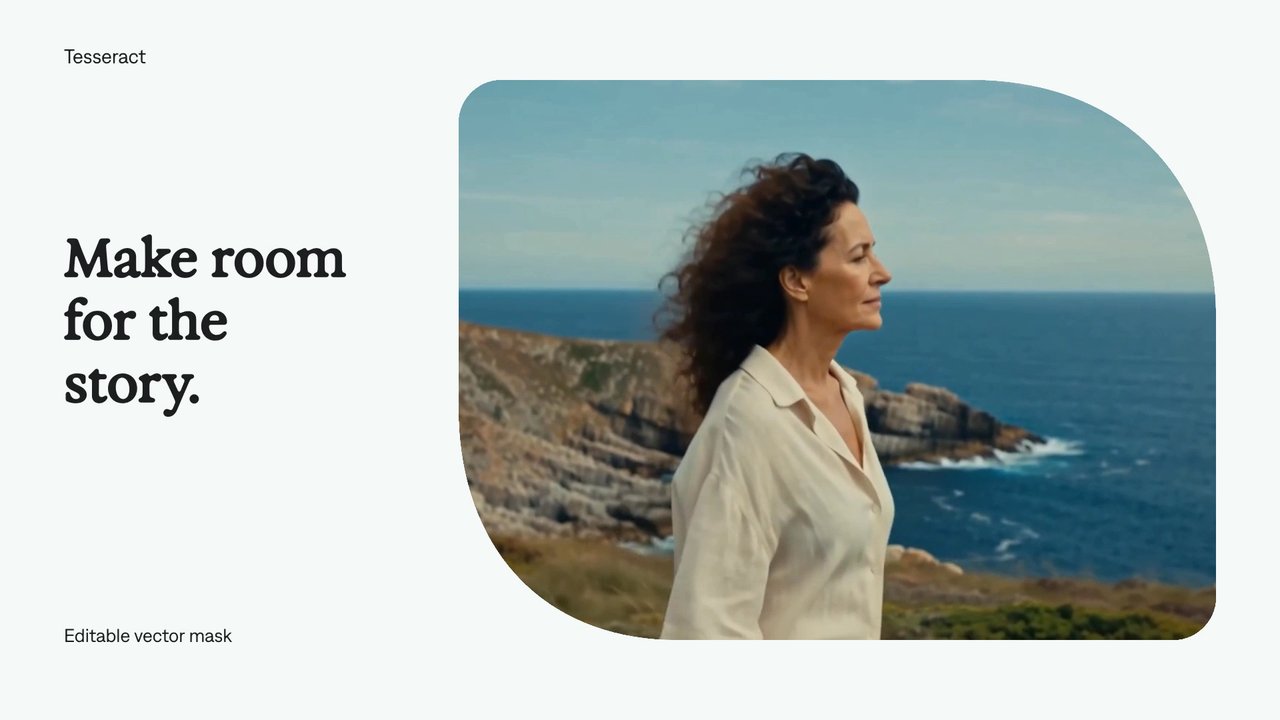
Vector masks
Reveal footage through an editable shape.
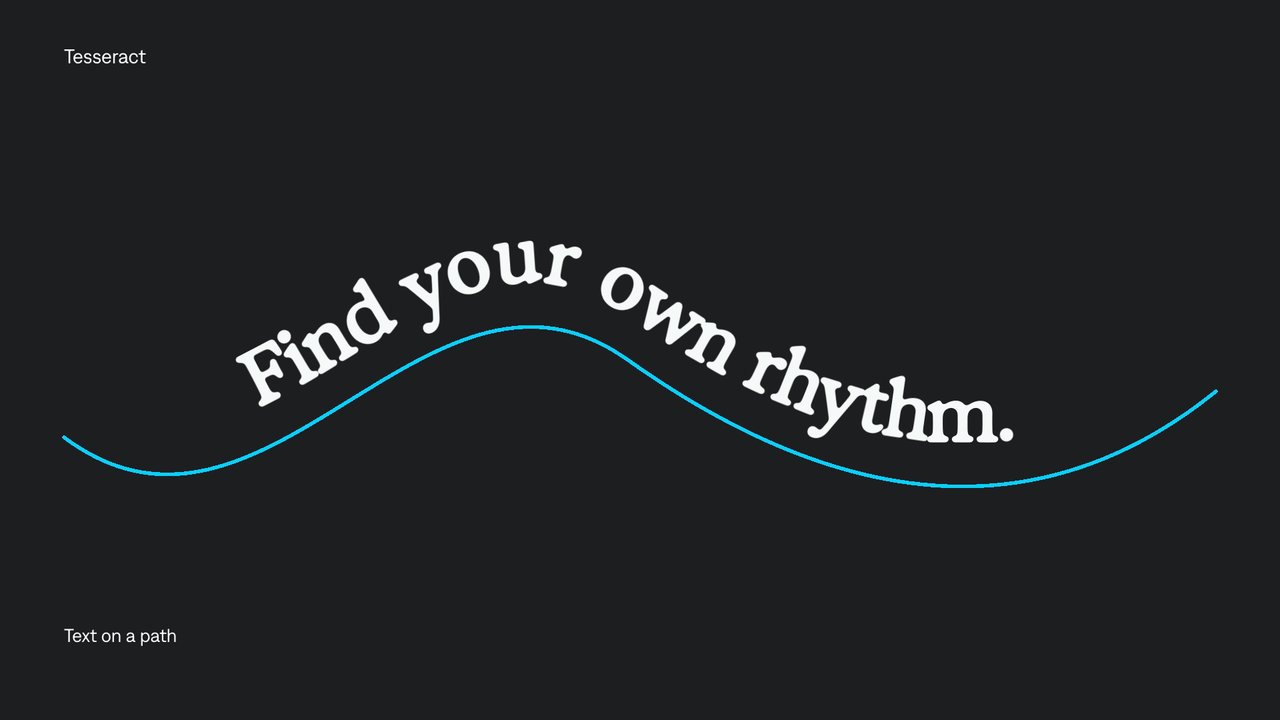
Text on a path
Make editable text follow a curve.
Find the tool for your next edit.
Start with an example.
Watch a feature in motion, then adapt the prompt to make something of your own.
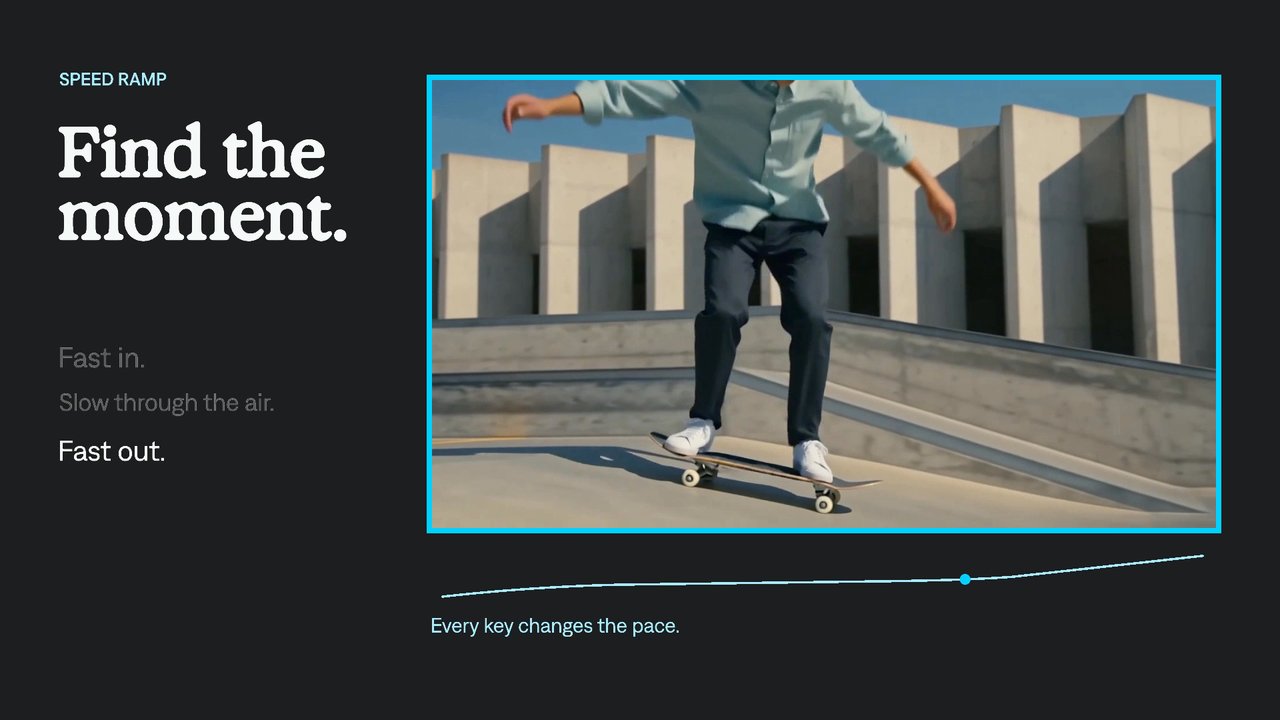
Speed ramps
Change the pace within a shot.
Adjustment layers
Apply one treatment across several layers.
Keyframe animation
Control where motion starts, lands, and pauses.
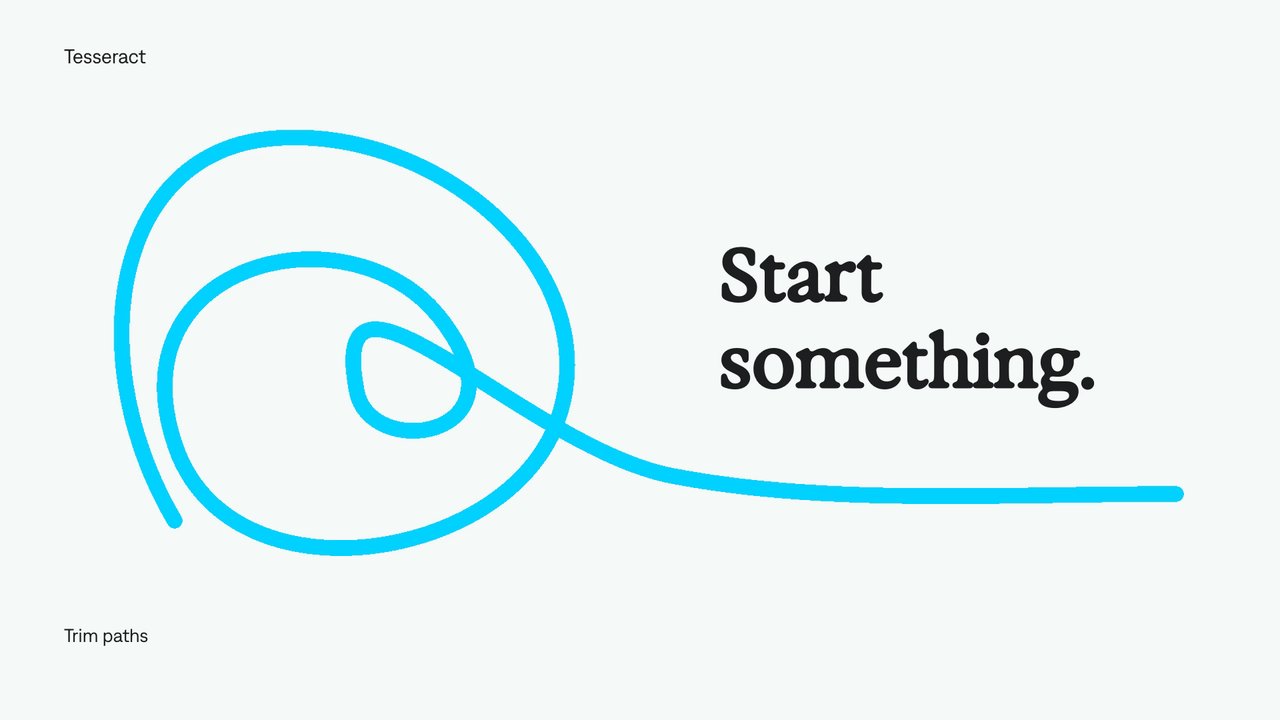
Trim paths
Draw a line on screen over time.
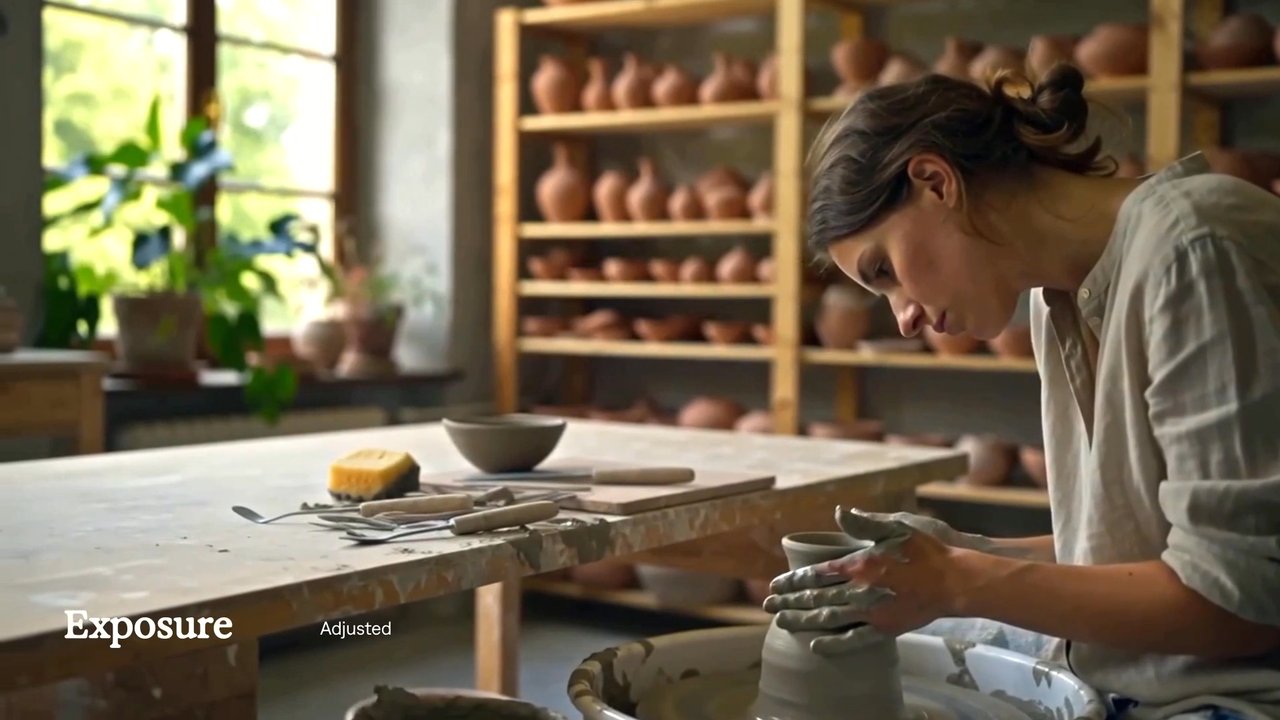
Exposure
Adjust a shot’s brightness in stops.
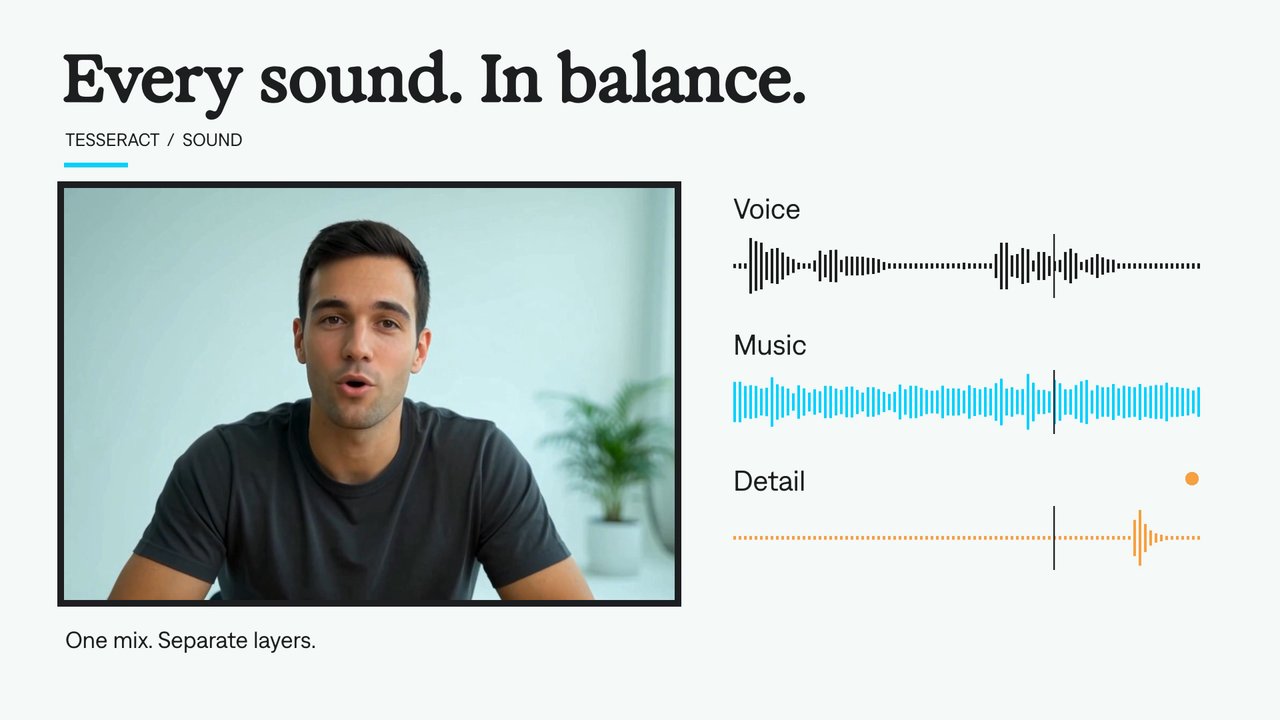
Audio layers
Mix voice, music, and effects in one project.
Browse by creative task.
Explore the controls behind footage editing, motion graphics, compositing, and sound.
Footage & timing
Cut, trim, arrange, and retime footage.
- Speed ramps
- Editable video layers
- Still-image layers
- Source trim and placement
- Nested scenes
- Crop and reframe
- Content positioning
- Media fit
- Hide layers
- Split a layer
- Retime a layer
- Move a scene in time
- Resize a scene
- Video playback speed
- Scene playback speed
- Time-remap curves
- Reverse playback
- Freeze frames
- Loop a video section
- Continue a time curve
- Hold or hide a timed layer
Motion
Build movement with editable keyframes, curves, and procedural controls.
- Keyframe animation
- Motion blur
- Hold keyframes
- Linear animation
- Bézier easing
- Overshoot curves
- Color animation
- Timed text and visibility
- Spatial motion paths
- Independent X and Y animation
- Enable or disable animation
- Preserve animation beyond a trim
- Position animation
- Scale animation
- Rotation animation
- Animated anchor points
- Animated skew
- Opacity animation
- 3D layer positioning
- 3D card tilts
- 3D orientation
- Procedural animation
- Continuous oscillation
- Orbital motion
- Conditional text
- Linked properties
- Audio-reactive animation
- Ease in and ease out
- Exponential easing
- Back easing
- Elastic motion
- Bounce motion
- Motion blur by layer
- Shutter angle and phase
- Motion-blur sampling
Typography
Shape text and animate letters, words, and lines.
- Text on a path
- Editable text
- Text boxes and wrapping
- Font, style, and size
- Letter spacing
- Line spacing
- Text fills and outlines
- Underline and strikethrough
- Uppercase text
- Variable-font axes
- Animated variable fonts
- Path-text direction and margins
- Path-text orientation
- Text animation anchors
- Per-character motion
- Word and line animation
- Text transform animators
- Animated text tracking
- Animated text color and stroke
- Per-character blur
- Text scrambling
- Range selectors
- Text selector falloff
- Text selection units
- Randomized text order
- Wiggly text animation
- Combine text selectors
Vector graphics
Draw and refine shapes, paths, fills, and strokes.
- Trim paths
- Editable vector shapes
- Rectangles and rounded cards
- Ellipses and circles
- Stars and polygons
- Star points and radii
- Rounded star points
- Compound paths
- Individual and simultaneous path reveals
- Rounded path corners
- Offset paths
- Multiple fills
- Solid fills
- Linear gradients
- Radial gradients
- Conic gradients
- Gradient stops
- Fill blending and opacity
- Multiple strokes
- Dashed outlines
- Animated dash offset
- Stroke caps and joins
- Vector fill rules
- Boolean shape operations
- Individual corner rounding
- Union shapes
- Subtract shapes
- Intersect shapes
- Exclude shape overlaps
- Move path points
- Bézier point handles
- Insert path points
- Delete path points
Compositing
Combine layers with effects, masks, and mattes.
- Adjustment layers
- Vector masks
- Motion-graphics scenes
- Footage, graphics, and sound
- Group and ungroup layers
- Duplicate layers
- Layer order and nesting
- Effect order
- Bypass an effect
- Individual effect controls
- Rounded media frames
- Group effects
- Layer opacity
- Layer names
- Mask operations
- Mask inversion
- Mask feather
- Mask expansion
- Animated mask opacity
- Animated masks
- Alpha track mattes
- Inverted alpha mattes
- Luminance track mattes
- Inverted luminance mattes
- Person mattes
- Graphics behind a person
Effects
Build blur, glow, distortion, texture, and custom treatments.
- Glow
- Drop shadow
- Outer glow
- Layer outlines
- Gradient overlay
- Inner shadow
- Inner glow
- Satin
- Bevel and emboss
- Gaussian blur
- Directional blur
- Mosaic
- Radial blur
- Bulge
- Corner pin
- Motion tile
- Posterize time
- Vignette
- Find edges
- Twirl
- Ripple
- Sharpen
- Luma key
- Matte edge adjustment
- Grain
- Wave warp
- Lens distortion
- Chromatic aberration
- Turbulent noise
- Fisheye
- Custom shader effects
- Layer inputs for effects
- Animate effect controls
- Reusable shader controls
- Time-driven shaders
Color
Adjust tone and create intentional color treatments.
Blend modes
Explore how a layer interacts with the colors beneath it.
- Normal blending
- Multiply blending
- Screen blending
- Overlay blending
- Darken blending
- Lighten blending
- Color Dodge blending
- Color Burn blending
- Hard Light blending
- Soft Light blending
- Difference blending
- Exclusion blending
- Hue blending
- Saturation blending
- Color blending
- Luminosity blending
- Add blending
- Classic Color Burn blending
- Classic Color Dodge blending
- Classic Difference blending
- Linear Burn blending
- Darker Color blending
- Lighter Color blending
- Linear Light blending
- Vivid Light blending
- Pin Light blending
- Hard Mix blending
- Subtract blending
- Divide blending
Sound
Arrange supplied audio and control its timing and levels.
Creative techniques
Combine editable tools into complete visual treatments.
Export
Choose delivery settings and keep the source project editable.
No matching tools yet.
Try a broader term, such as “text,” “blur,” or “audio,” or clear the filters.
Adobe project conversion
Bring your projects between Tesseract and Adobe.
Use the Tesseract skill to import or export Premiere Pro and After Effects projects. Check which layers, effects, and timing controls transfer before starting your conversion.
Explore project conversionSupport is partial; After Effects export is experimental. See what transfers.
Your next video, made with your agent.
Install Tesseract in your local agent, bring a brief, and start creating.
Free on Mac, Windows, and Linux. Your agent’s costs are separate.
Read the prompt
Set up Tesseract by Mirage so you can create editable designs, edit videos, and make motion graphics in this agent’s environment. Read https://github.com/mirage-hq/Tesseract and check the requirements for this local or hosted environment. If it is supported, follow the official plugin or skills installation guide, use its required runtime version, verify the download checksum, and confirm a short preview renders correctly. Then ask what I want to make and which brand references or source assets I have. Keep the editable project and source assets with the finished render.