Audio-reactive animation.
Use measured audio levels to drive the size or movement of a graphic.
Try it in your agent.
Use this prompt as a starting point. Review the result, then ask for the details you want to change.
A prompt to start from
Use Tesseract. Design a restrained voice-reactive Mirage poster. Use the packaged original eight-second voice and a large Sea disc over a pale fixed halo. Drive both scale axes from audioGainBoth using a 90 ms measurement window; keep the left headline stable and generous. During silence the disc should relax, and during speech it should visibly swell. Do not hand-keyframe the pulses.
New to Tesseract? Find the setup for your local agent.
A few useful details.
Does this find musical beats automatically?
This feature uses measured audio levels. Beat detection and the timing decisions built from it are separate steps.
How do I try this with my agent?
Copy the prompt into your supported local agent with Tesseract installed. Review the preview, then ask for the changes you want. The composition stays editable as you refine it.
Where does the video render?
Tesseract previews and renders locally on macOS, Windows, or Linux. The local engine is free; your agent’s subscription or usage costs are separate.
Try these next.
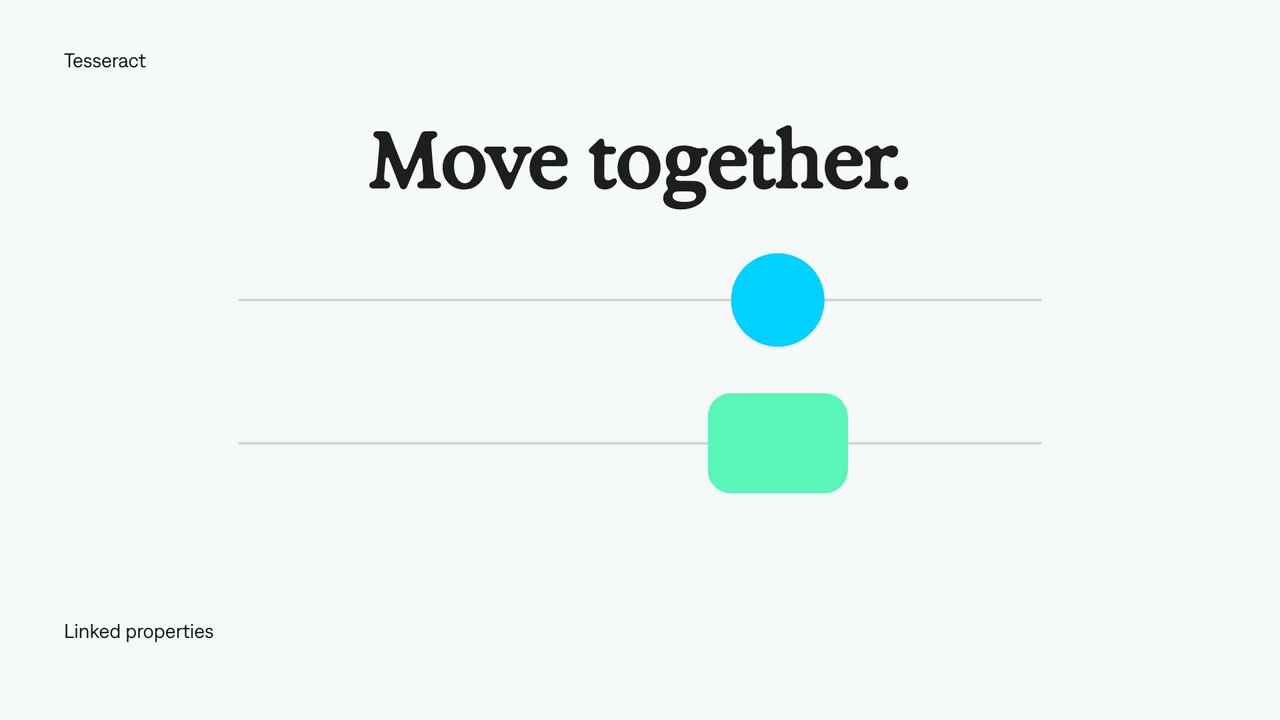
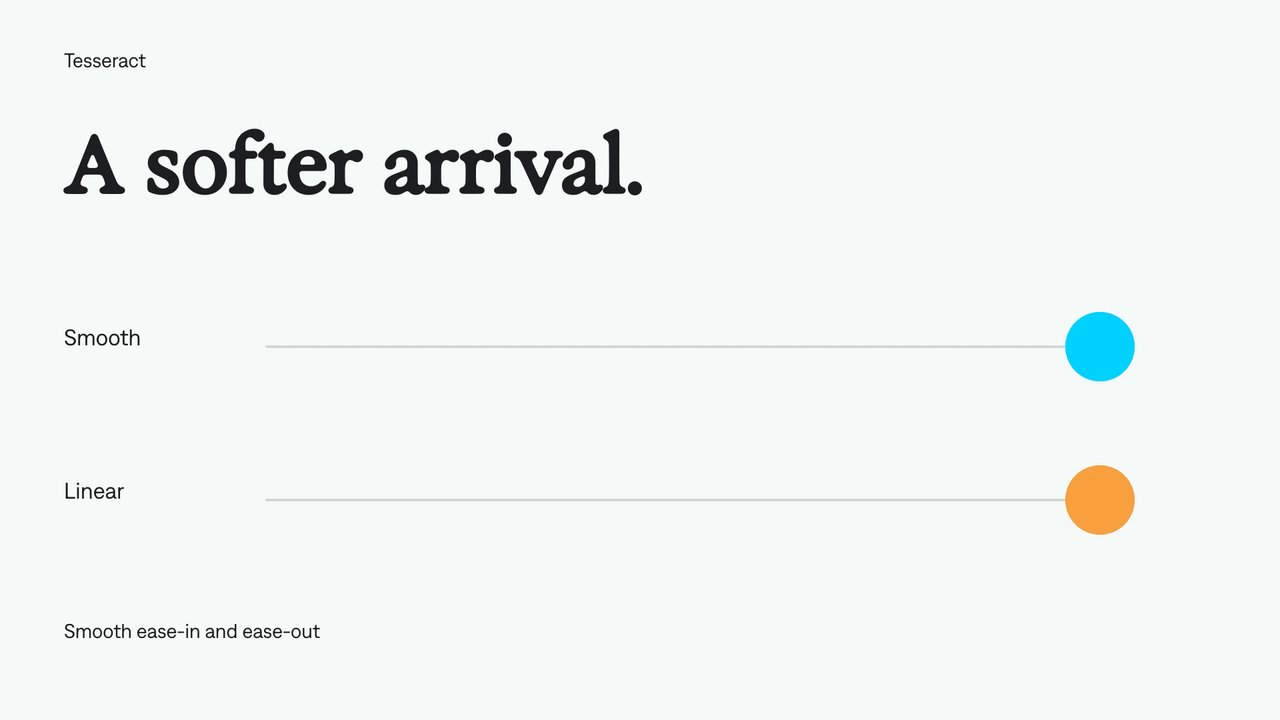
Your next video, made with your agent.
Install Tesseract in your local agent, bring a brief, and start creating.
Free on Mac, Windows, and Linux. Your agent’s costs are separate.
Read the prompt
Set up Tesseract by Mirage so you can create editable designs, edit videos, and make motion graphics in this agent’s environment. Read https://github.com/mirage-hq/Tesseract and check the requirements for this local or hosted environment. If it is supported, follow the official plugin or skills installation guide, use its required runtime version, verify the download checksum, and confirm a short preview renders correctly. Then ask what I want to make and which brand references or source assets I have. Keep the editable project and source assets with the finished render.