Skip to content
Homepage Get Captions

From Mirage · September 16, 2026

225 creative tools to explore with your agent.

The Tesseract feature library brings real demonstrations, practical explanations, and sample prompts together in one place.

See the result before writing the brief.

Browse video editing, motion, typography, compositing, effects, and sound. Each published feature page shows a real Tesseract demonstration and explains what the control does.

Use the demonstration to decide whether a treatment fits your project. Copy the sample prompt, adapt it to your footage and brand, and ask your agent to keep the result editable.

Find a tool by the creative task.

You can search by name or browse the linked category directory. The pages are readable without JavaScript, so both people and agents can follow the tools, demonstrations, and related features.

Explore the Tesseract feature library →

Keep learning from a real project.

Features are most useful in context. Explore the Cole social ad to see an iterative footage edit, or compare the reconstructed Captions ads with their references.
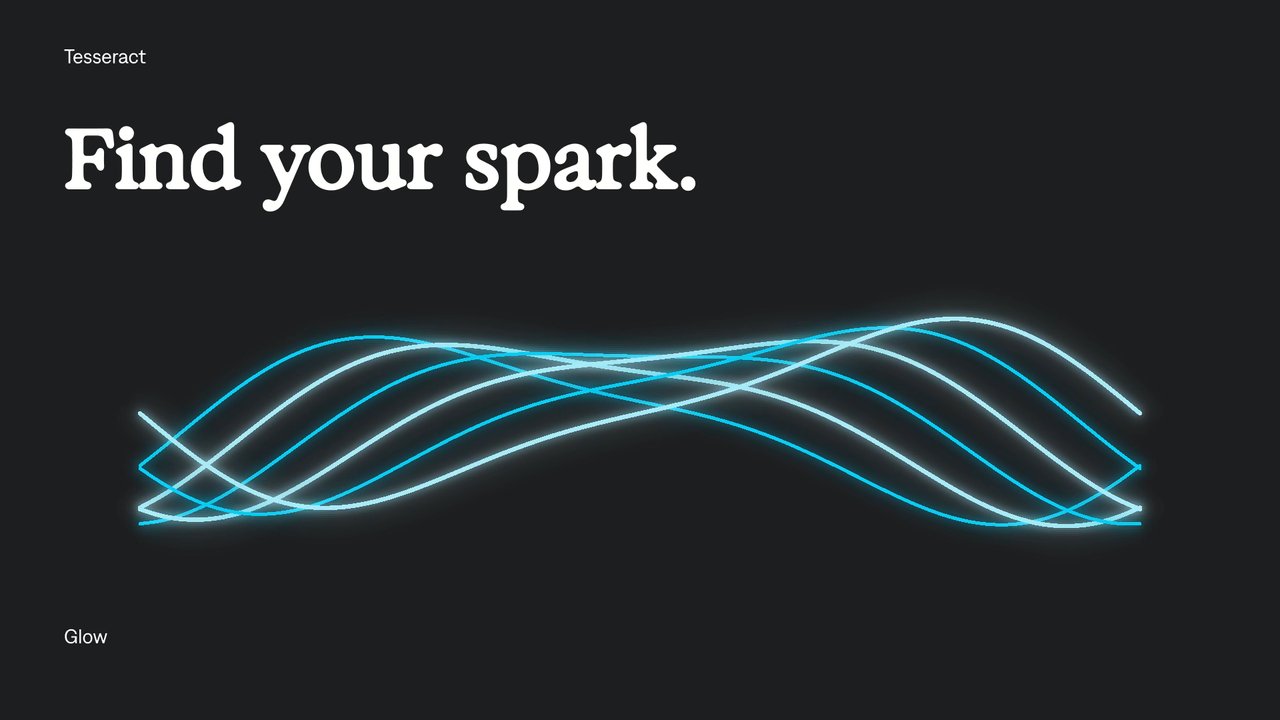
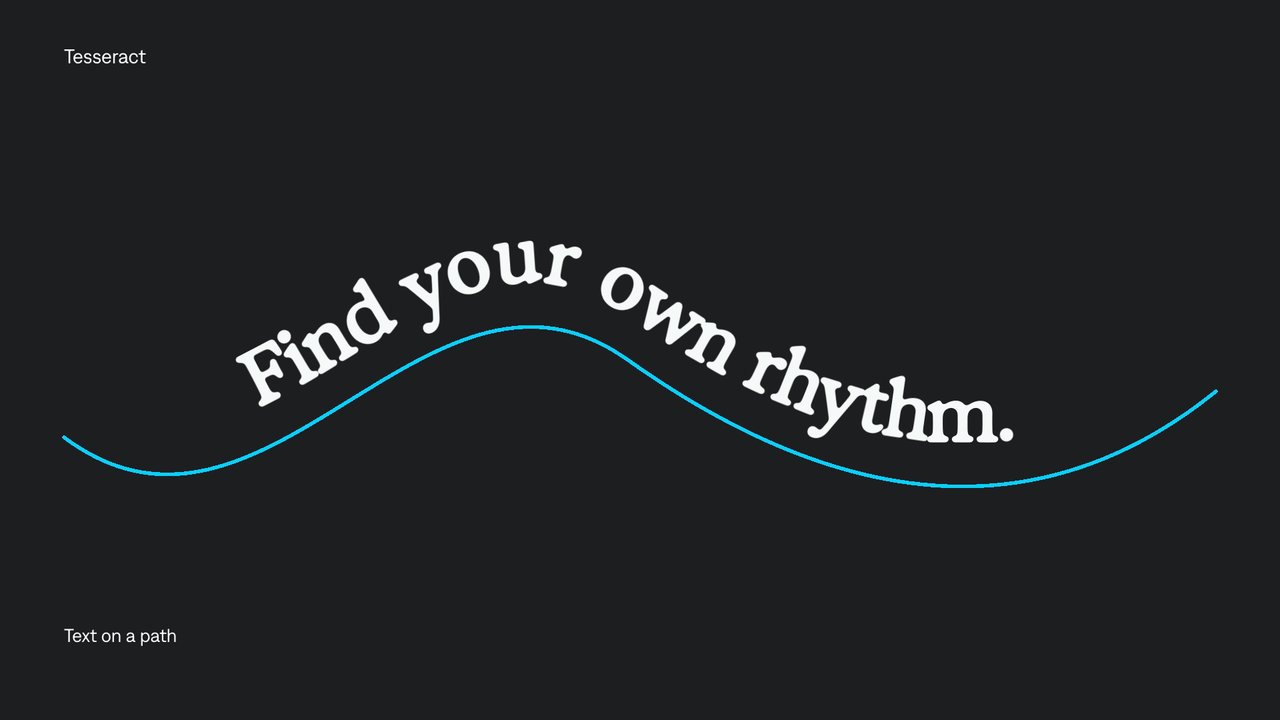
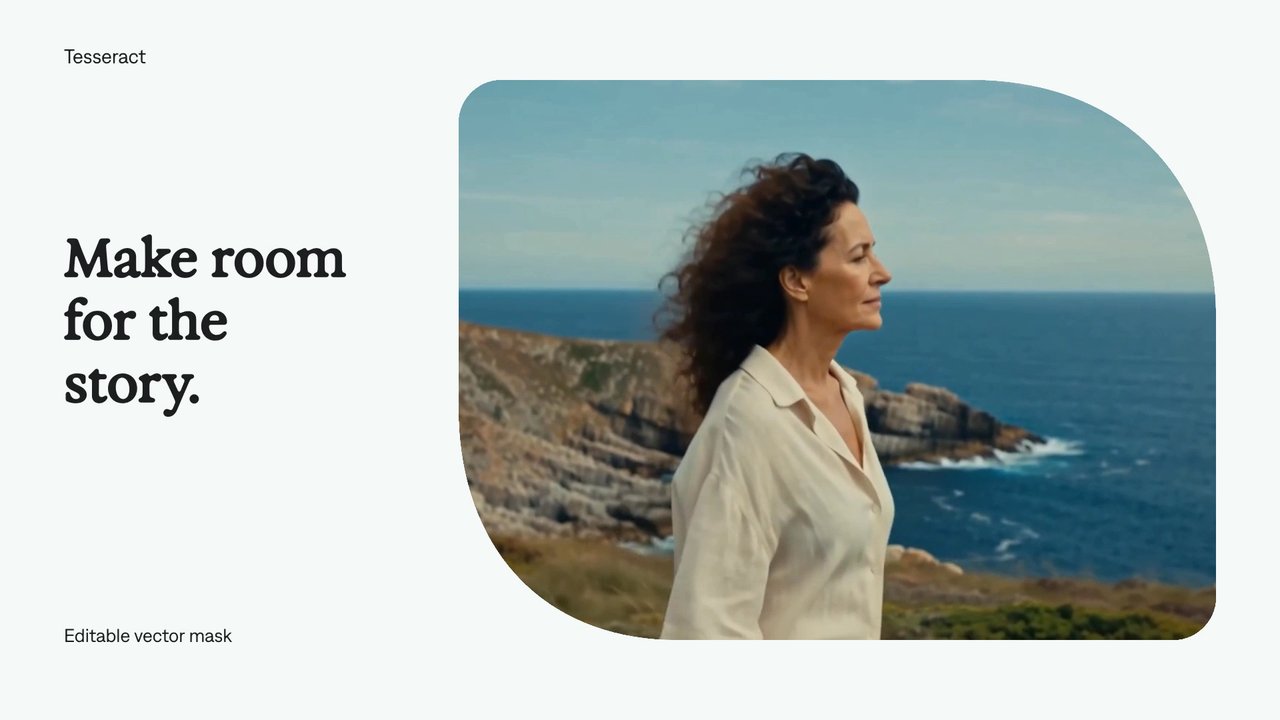
Explore the tools behind the work.

All Tesseract features →

Your next video.
Made with your agent.

Professional creative tools for your AI agent.

Install ChatGPT Plugin

Free on Mac, Windows, and Linux. Your agent’s costs are separate.

Read the prompt

Set up Tesseract by Mirage so you can create editable designs, edit videos, and make motion graphics in this agent’s environment. Read https://github.com/mirage-hq/Tesseract and check the requirements for this local or hosted environment. If it is supported, follow the official plugin or skills installation guide, use its required runtime version, verify the download checksum, and confirm a short preview renders correctly. Then ask what I want to make and which brand references or source assets I have. Keep the editable project and source assets with the finished render.

Paste this into your agent

Set up Tesseract by Mirage so you can create editable designs, edit videos, and make motion graphics in this agent’s environment. Read https://github.com/mirage-hq/Tesseract and check the requirements for this local or hosted environment. If it is supported, follow the official plugin or skills installation guide, use its required runtime version, verify the download checksum, and confirm a short preview renders correctly. Then ask what I want to make and which brand references or source assets I have. Keep the editable project and source assets with the finished render.