Was this made from one prompt?
It was an iterative edit. The creator supplied media and direction, reviewed the result, and asked for changes to the opening, graphics, sound, and framing. The prompts on this page condense that process.
Made with Tesseract
Give your agent the footage and the brief. Direct the hook, motion graphics, and sound in plain language, then refine the result together.
Free on Mac, Windows, and Linux. Your agent’s costs are separate.
Set up Tesseract by Mirage so you can create editable designs, edit videos, and make motion graphics in this agent’s environment. Read https://github.com/mirage-hq/Tesseract and check the requirements for this local or hosted environment. If it is supported, follow the official plugin or skills installation guide, use its required runtime version, verify the download checksum, and confirm a short preview renders correctly. Then ask what I want to make and which brand references or source assets I have. Keep the editable project and source assets with the finished render.
Real footage. Four creative variants. Three formats.

The creator supplied Cole’s recording, brand assets, a product recording, and music. The agent assembled the edit in Tesseract, then refined the hook, graphics, sound, and framing through feedback.
Step 1
Cole’s talking-head footage, Captions brand assets, a product recording, and music gave the agent material to work with. A short brief established the audience, message, and pacing.
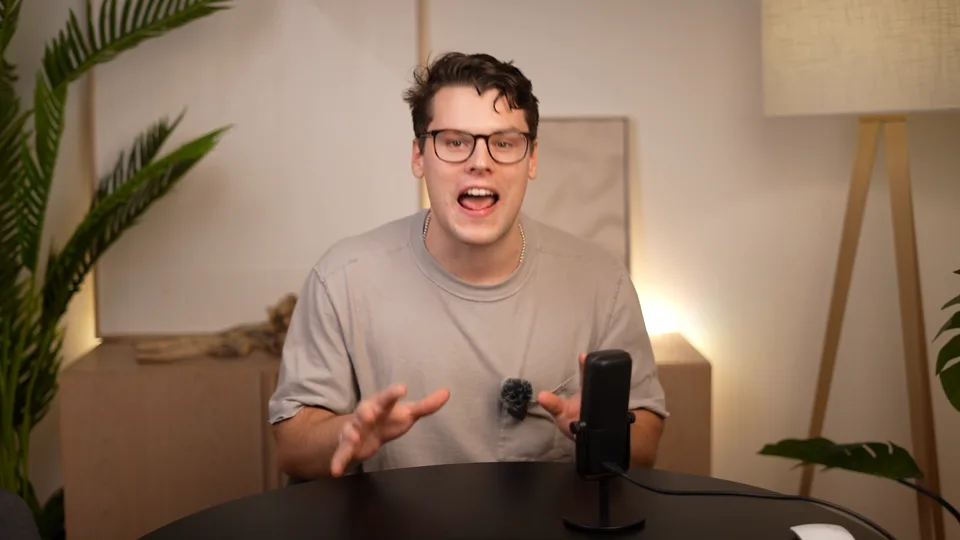
Use Tesseract to turn this footage into a Captions social ad. Make the opening grab attention, then show the product in action.
Step 2
The seven-apps hook became a visual sequence around Cole. The Captions icon and title arrive when he names the app, with sound effects supporting the motion.
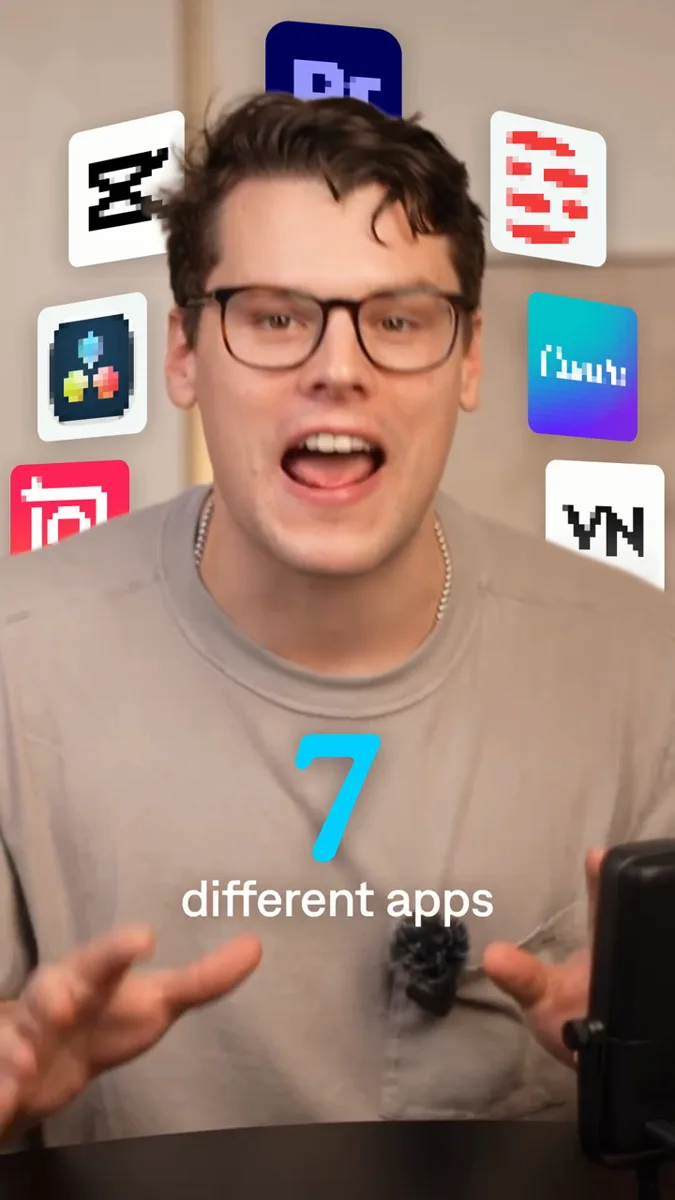
Bring in the seven app icons with a pop for each one. Reveal the Captions icon and title when Cole says its name.
Step 3
The feedback refined the pixel effect, tightened the reveal, aligned Cole’s eyeline across cuts, and made the product demonstration easier to see. The project remained editable throughout.
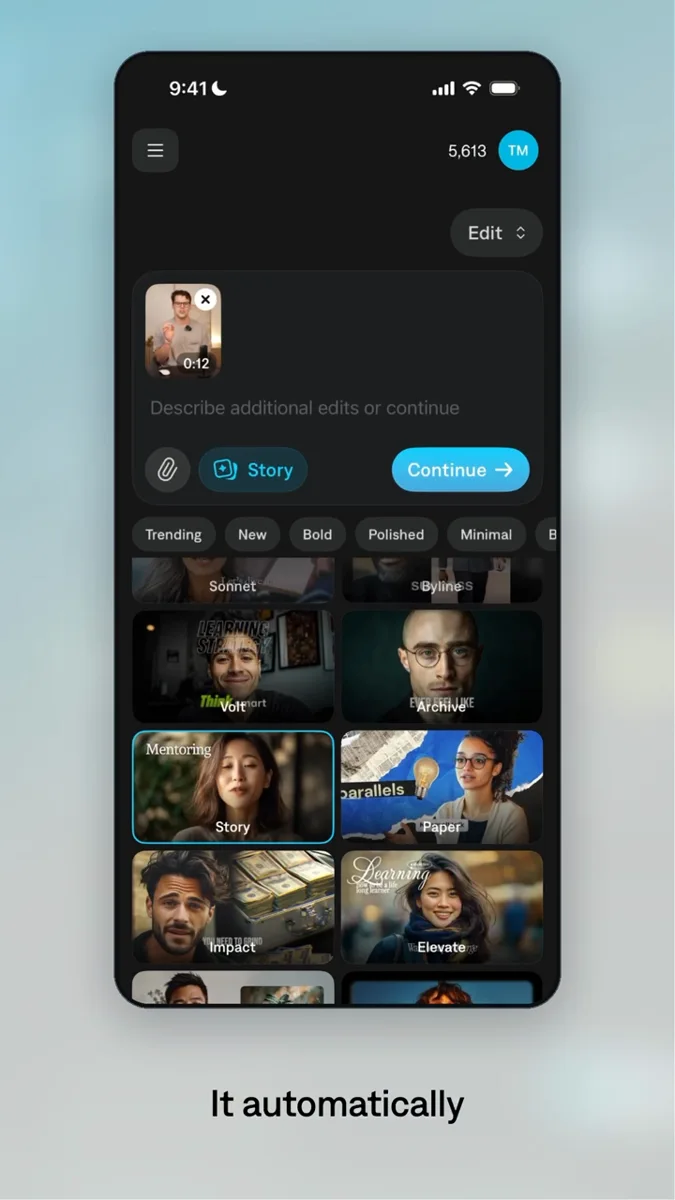
Make the app icons a little more pixelated. Keep the speaker’s eyeline aligned across cuts, and make the product demo larger.
The prompts above summarize the real editing process. This was an iterative project, not a one-prompt result.
Explore the actual variants. Each keeps the product story while changing the hook and its visual treatment.
The same ad was adapted for square and portrait placements. Review the framing and layout at each size.
Adobe project conversion
If your team finishes ads in Premiere Pro or After Effects, ask your agent to convert your Tesseract project. Review the exported project in the destination app before handing it over.
Explore project conversionSupport is partial; After Effects export is experimental. See what transfers.
It was an iterative edit. The creator supplied media and direction, reviewed the result, and asked for changes to the opening, graphics, sound, and framing. The prompts on this page condense that process.
Tesseract assembled footage, animated the opening and app reveal, composited the product demonstration, added captions, and mixed music and effects. The Captions product output shown inside the ad was supplied media.
Yes. Bring your recordings, logos, screen captures, and audio. Tell the agent who the ad is for, what it should say, and where you will run it.
Yes. Keep working in the editable project. Ask for another opening, a different text treatment, or a new aspect ratio, then review the resulting layout and timing.
You can direct the work through your agent in plain language. The Tesseract plugin provides editing guidance and examples. You still choose the message, review the result, and approve the final ad.
Tesseract renders locally on your computer. Install it in a supported local agent environment. No Mirage account or Adobe subscription is required; your agent’s costs are separate.
Around your next video
Use your brand kit to make editable thumbnails, covers, and social graphics. Adapt the layouts for each placement.
Professional creative tools for your AI agent.
Set up Tesseract by Mirage so you can create editable designs, edit videos, and make motion graphics in this agent’s environment. Read https://github.com/mirage-hq/Tesseract and check the requirements for this local or hosted environment. If it is supported, follow the official plugin or skills installation guide, use its required runtime version, verify the download checksum, and confirm a short preview renders correctly. Then ask what I want to make and which brand references or source assets I have. Keep the editable project and source assets with the finished render.