Can I connect another agent?
An agent that can execute local tools can use the runtime’s documented interfaces and examples. Packaged plugins provide instructions and creative guidance for supported environments.
Tesseract Runtime
Connect your agent or application to Tesseract Runtime. Build editable video projects with native tools for editing, motion graphics, compositing, and sound.
Direct the creative work
Create · preview · render
Keep editing or deliver
The runtime handles the creative project and rendering. You build the experience around it.
Footage, layers, compositions, keyframes, adjustment effects, time remapping, and sound.
Keep the source project available for targeted revisions and the controls you build around it.
Preview and render on macOS, Windows, or Linux with the free Tesseract binary.
Give your agent the runtime documentation, a project, and its media together. Ask it to make a visible change, inspect the preview, then render the result.
Follow the version-specific setup instructions supplied with Tesseract Runtime.
Let your agent read the installed reference and examples. Use the API and project schema for that version.
Change a title’s timing, a color, or a layout. Preview the result before building a larger workflow.

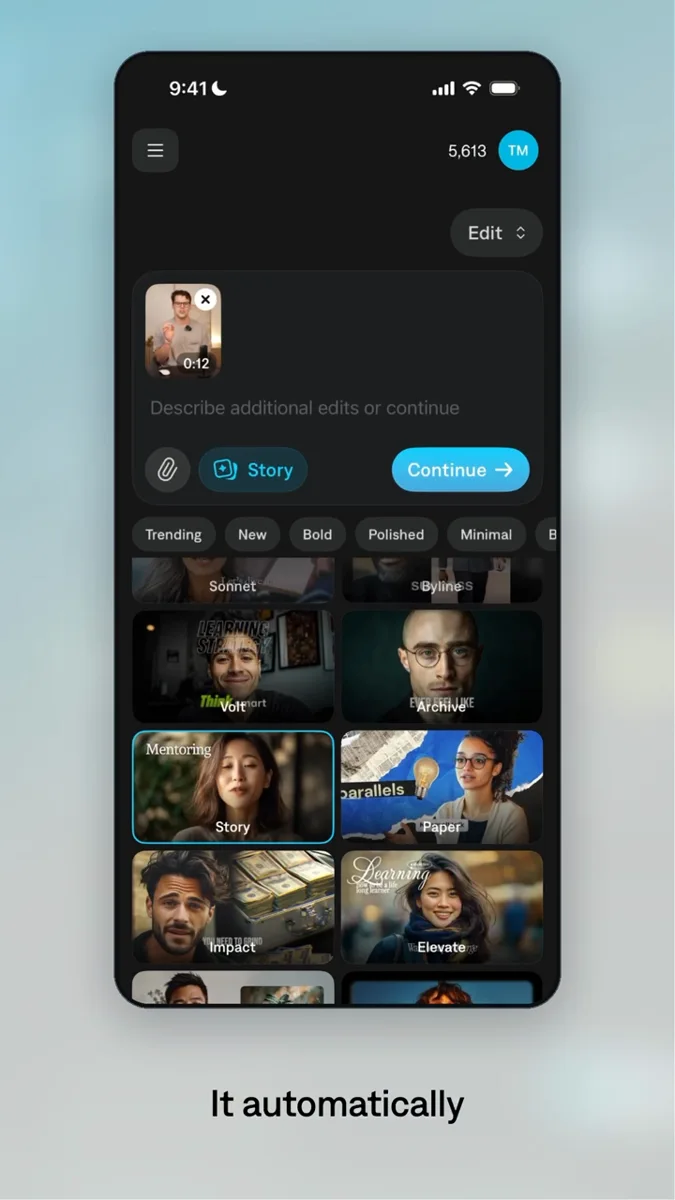
Use real footage, reusable graphics, and editable projects to support a recurring creative workflow.
Explore the Cole adAn agent that can execute local tools can use the runtime’s documented interfaces and examples. Packaged plugins provide instructions and creative guidance for supported environments.
The release provides a free binary with documented interfaces and examples. It does not publish the engine source code. Refer to the release license for commercial deployment and embedding terms.
Your application uses the documented runtime interfaces to update a Tesseract project, save it, and request previews or renders. Use the API and project schema that match the installed runtime version.
Use the documentation bundled with the official Tesseract release. Commands and schemas need to match that runtime version; this page does not substitute guessed commands for the release reference.
Professional creative tools for your AI agent.
Set up Tesseract by Mirage so you can create editable designs, edit videos, and make motion graphics in this agent’s environment. Read https://github.com/mirage-hq/Tesseract and check the requirements for this local or hosted environment. If it is supported, follow the official plugin or skills installation guide, use its required runtime version, verify the download checksum, and confirm a short preview renders correctly. Then ask what I want to make and which brand references or source assets I have. Keep the editable project and source assets with the finished render.