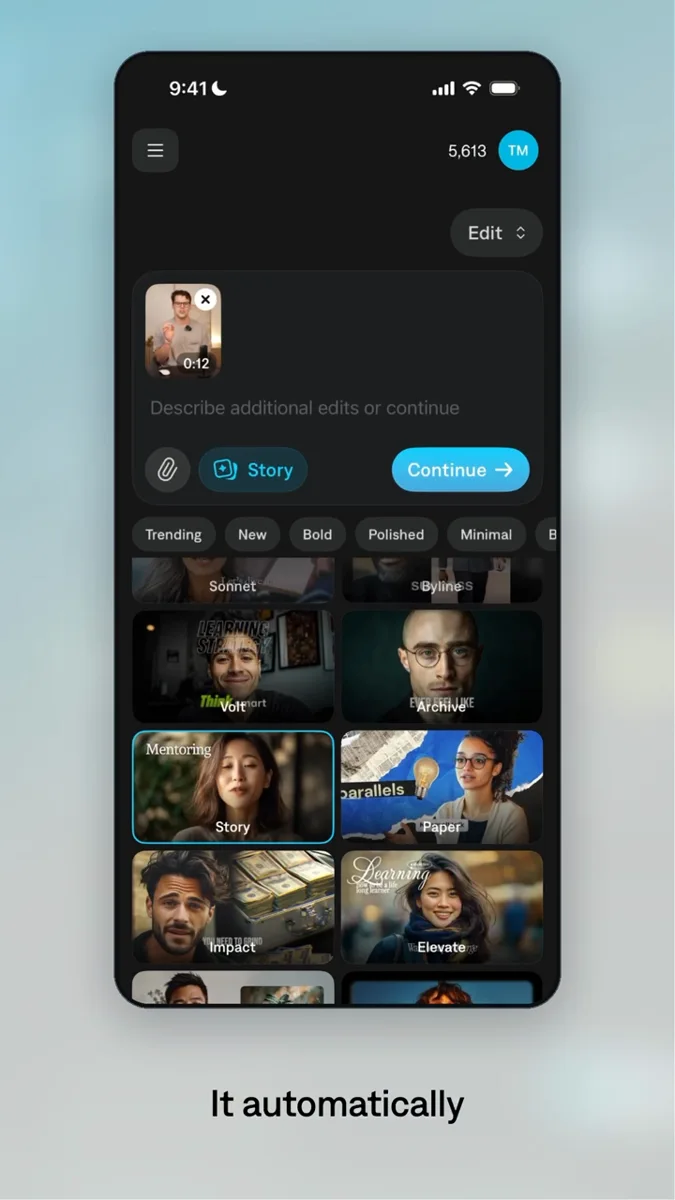
Ask your agent to build controls around the project it just created. Adjust the timing, typography, color, or framing yourself, then let the agent continue the work.
Try the controls. This preview runs in your browser, not Tesseract.
@Tesseract Give me controls for timing, color, and framing.
Keep the project. Change how you control it.
A focused interface can expose just the decisions you want to make. The agent and the controls work on the same project, so a manual adjustment becomes part of the next revision.
Prompt the controls
Choose the decisions you make repeatedly: title timing, type, color, framing, or an effect’s intensity.
Make the adjustment
Use a slider, color picker, or layout control. Apply the change to the underlying Tesseract project and preview it.
Continue with the agent
Ask for another edit with the current project as the starting point. Review the result before rendering.
Start with a small, useful set of controls.
For a recurring campaign, make the common changes easy to reach. Keep the full creative engine available to the agent when the job needs more.
For the brand reviewer
Typography, accent color, logo size, and safe margins.
For the creative producer
Opening duration, product-demo timing, and music level.
For the next placement
Aspect ratio, crop position, and caption placement.
Ask for your own controls
Build a small local editing interface around this Tesseract project. Give me controls for the headline, brand color, title timing, and framing. Use the documented Tesseract interfaces to save each change back to the same project, and provide a preview so I can inspect it. Keep the original project as a backup.
Build on the work you already need to make.
Social ad production
Use real footage, reusable graphics, and editable projects to support a recurring creative
workflow.
No. This example shows an interface an agent can build around a Tesseract project. Its controls can be chosen for the project and the person using them. The controls above are a browser illustration, not a shipping editor.
Do manual changes survive the next prompt?
The interface should write its changes to the same saved project that the agent reads. That shared source is what makes it possible to continue from the manually revised version.
What needs to be connected?
The controls need to update project properties through the Tesseract interfaces, save the result, and request a preview. The interface is a client of the runtime.
Can the interface run in a browser?
The controls can be a local web interface connected to the local runtime. The launch engine still runs on your computer; a browser-only chat does not host it.
Set up Tesseract by Mirage so you can create editable designs, edit videos, and make motion graphics in this agent’s environment. Read https://github.com/mirage-hq/Tesseract and check the requirements for this local or hosted environment. If it is supported, follow the official plugin or skills installation guide, use its required runtime version, verify the download checksum, and confirm a short preview renders correctly. Then ask what I want to make and which brand references or source assets I have. Keep the editable project and source assets with the finished render.